

Blog
By [Elecgagdet] | B2B Repair Industry Guide | April 2026
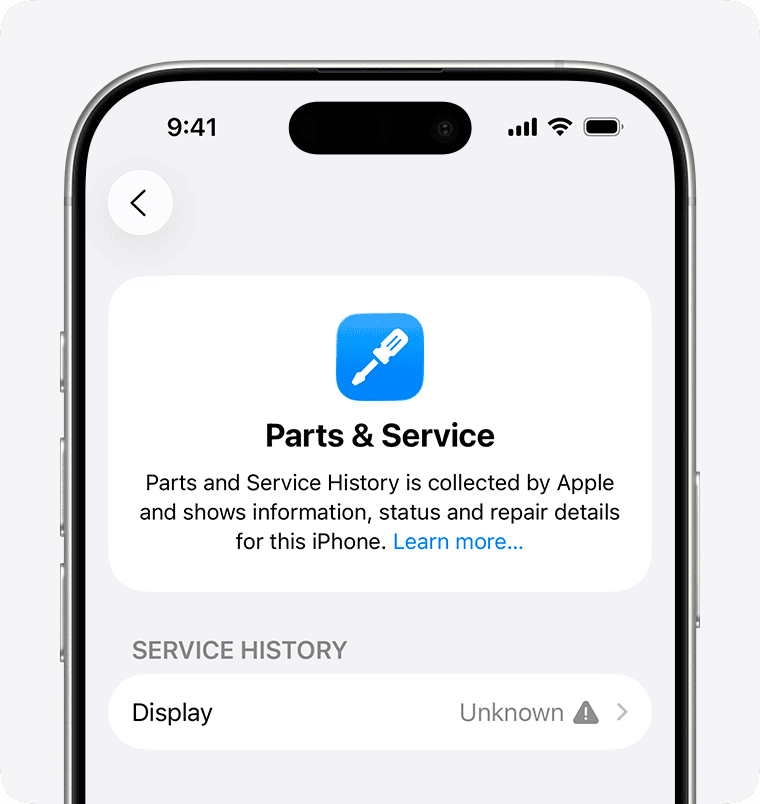
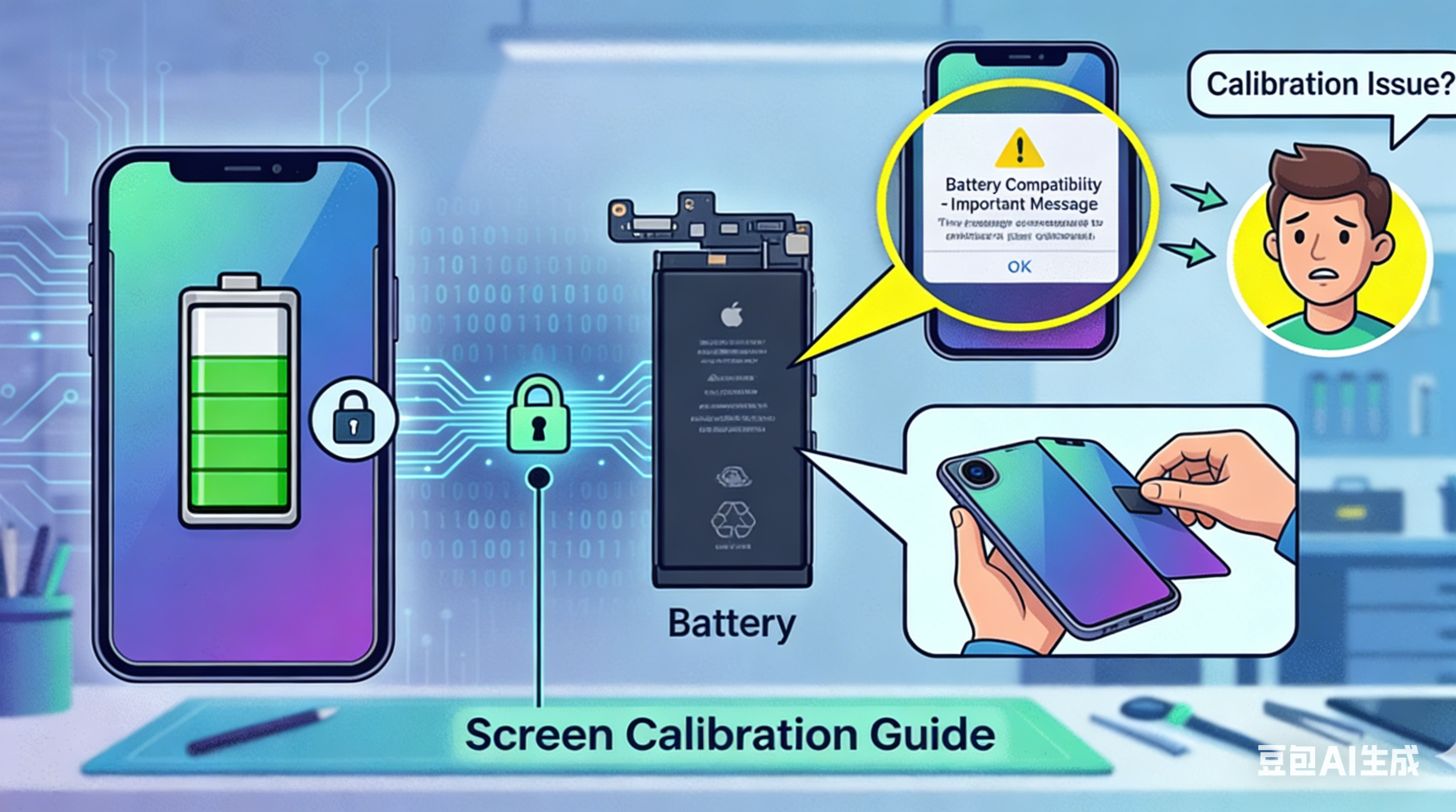
If you’ve ever finished a flawless phone repair, only to watch a customer spot an “Unknown Part” alert in settings—you know how fast trust vanishes. That tiny warning makes top-tier repairs look unprofessional, sparks complaints, and kills repeat business.
The good news? This problem is 100% solvable. Diagnostic parts are the secret to zero-warning, full-function repairs that keep customers happy and your shop profitable.
This guide breaks down everything you need to know: why warnings happen, what diagnostic parts actually do, how they compare to standard parts, which models need them, and how to use them to level up your business
Table of Contents
- Why Do Phones Show “Unknown Part” After Repair?
- What Are Diagnostic Parts (Screens & Batteries)?
- Genuine vs. Used vs. Aftermarket vs. Diagnostic: Clear Definitions
- Diagnostic Parts vs. Standard Aftermarket Parts: Full Comparison
- Which Phone Models Need Diagnostic Parts?
- How Repair Shops Use Diagnostic Parts (Simplified Workflow)
- Risks & Limitations of Diagnostic Parts
- How Diagnostic Parts Grow Your Repair Business
- Conclusion
1. Why Do Phones Show “Unknown Part” After Repair?
Modern smartphones (especially iPhone 11 and newer, plus top Android flagships) use component serialization—a security system that pairs critical parts (screen, battery, camera) to the motherboard with unique serial numbers.
When you swap in a new part—even a high-quality one—the system checks for a digital match. If the serial number or calibration data doesn’t align, it triggers:
- “Unknown Part” in Settings > Parts & Service
- Lost features (True Tone, battery health percentage, color calibration)
- Customer doubt about your repair quality
This isn’t about part quality—it’s about digital recognition. A perfect physical fit won’t bypass the system.
2. What Are Diagnostic Parts?
Diagnostic parts are third‑party or refurbished components pre‑programmed to be recognized as “Genuine” by the phone’s system. They eliminate warnings and restore full factory functionality—no advanced microsoldering required.
Diagnostic Screen
A specially programmed display that:
- Removes “Unknown Part” alerts
- Restores True Tone / auto brightness calibration
- Works with a simple plug‑and‑play install
- No IC transfer or microsoldering needed
Diagnostic Battery
A reprogrammed replacement battery with a smart BMS (Battery Management System) or tag‑on flex that:
- Clears “Important Battery Message”
- Shows 100% battery health in settings
- Maintains peak performance data
- Installs in minutes, no welding required
Think of diagnostic parts as having a digital key that unlocks full system recognition. Standard parts only have a physical “shape”—no digital access.
3. Genuine vs. Used vs. Aftermarket vs. Diagnostic: Clear Definitions
Many shops mix up these terms—and lose customers because of it. Here’s the truth:
| Term | What It Really Means | System Warning? | Key Note |
|---|---|---|---|
| Genuine Part | Original factory part paired to this exact device | No | Only the part that came with the phone |
| Used Part | Genuine part taken from another device | Yes | Still shows “Unknown Part” — no programming |
| Aftermarket Part | New third‑party replacement | Yes | Budget option, but loses features |
| Diagnostic Part | Programmed third‑party/refurbished part | No | Full function, professional result |
Myth busted: “Used original” parts do NOT avoid warnings. They need programming to work seamlessly.
4. Diagnostic Parts vs. Standard Aftermarket Parts: Full Comparison
For repair shops, this choice defines your brand, pricing, and customer satisfaction.
| Feature | Standard Aftermarket Part | Diagnostic Part |
|---|---|---|
| “Unknown Part” Warning | Yes | No |
| True Tone / Calibration | Lost | Fully Restored |
| Battery Health % | Unavailable | Shows 100% |
| Installation Skill | Basic | Basic |
| Install Time | Fast | Same fast speed |
| Customer Perception | Budget, low‑quality | Premium, factory‑like |
| Best For | Price‑only buyers | Quality‑focused clients |
| Profit Margin | Low | High |
The small extra cost of diagnostic parts pays for itself in fewer complaints, better reviews, and premium pricing.
5. Which Models Need Diagnostic Parts?
Serialization rules vary by brand and generation. Use this quick guide to avoid mistakes:
iPhone
- Screen: iPhone 11 / 11 Pro / 11 Pro Max + newer
- Battery: iPhone 12 + newer
- Camera: iPhone 12 + newer
Android Flagships
Most high‑end models (Samsung Galaxy S21+, Google Pixel 6+, Xiaomi 12+) also show part warnings and work with diagnostic components.
Older models (iPhone X / 8 and below; mid‑range Android) usually work fine with standard high‑quality parts.
6. How Repair Shops Use Diagnostic Parts (Simplified Workflow)
Diagnostic parts turn complex repairs into plug‑and‑play premium service—no fancy tools or advanced skills needed.
- Order pre‑programmed diagnostic screens/batteries from a trusted supplier
- Open the device like normal
- Swap old part for new diagnostic part
- Test — no warnings, full features active
- Deliver a happy customer
You can even create tiered pricing:
- Standard Repair (budget, with warning)
- Premium Repair (diagnostic part, zero alerts, full function)
This instantly lifts your average order value.
7. Risks & Limitations of Diagnostic Parts
Diagnostic parts are the best solution today—but they aren’t perfect:
- OS Update Risk: Brands may block current programming methods in future updates
- Supplier Quality: Cheap, poorly programmed parts will fail
- Not 100% Future‑Proof: The industry plays a constant “cat‑and‑mouse” game
The real risk? Choosing an unreliable supplier. Stick to vendors with strict testing and quality control.
8. How Diagnostic Parts Grow Your Repair Business
- Eliminate callbacks & complaints
- Charge more for premium, warning‑free repairs
- Build a professional reputation
- Speed up workflow (no IC transfer or soldering)
- Improve reviews & word‑of‑mouth
- Stand out from shops that only offer standard parts
For busy repair shops, diagnostic parts aren’t just a product—they’re a growth strategy.
9. Conclusion
“Unknown Part” warnings don’t have to ruin your repairs. Diagnostic parts solve the core problem: digital recognition. They let you deliver clean, factory‑like results with simple installation, satisfy picky customers, and run a more profitable shop.
The key is choosing a reliable supplier with tested, consistent diagnostic parts. When you do that, you turn every repair into a chance to impress—and retain—customers for life.
